Physical books
Paper books count too.
Put the books from your shelf into your library, then read them with the app in your pocket instead of in your way.
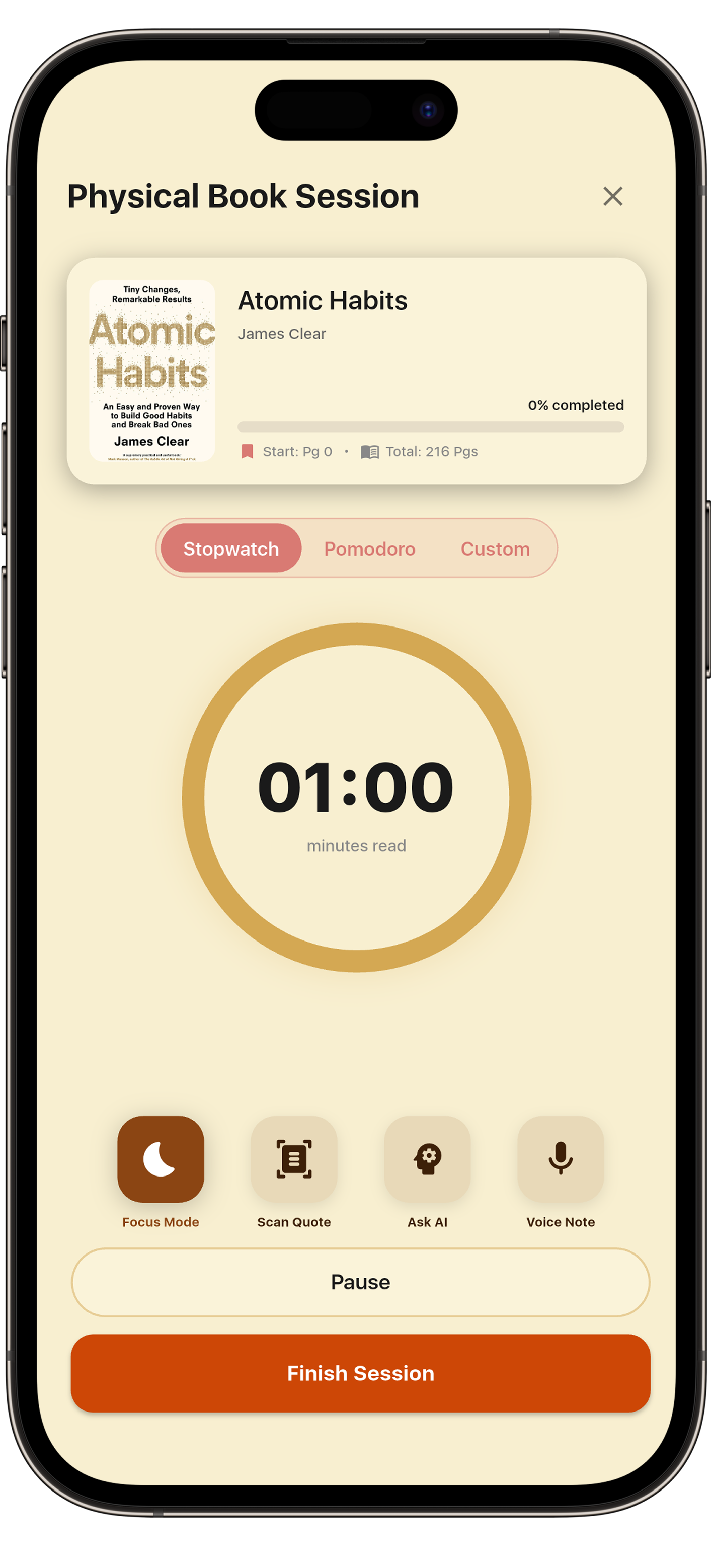
Start a session. Put the phone down.
Pick a stopwatch, a Pomodoro, or your own timer, then read. The minutes go to your streak and your stats without you logging a thing.
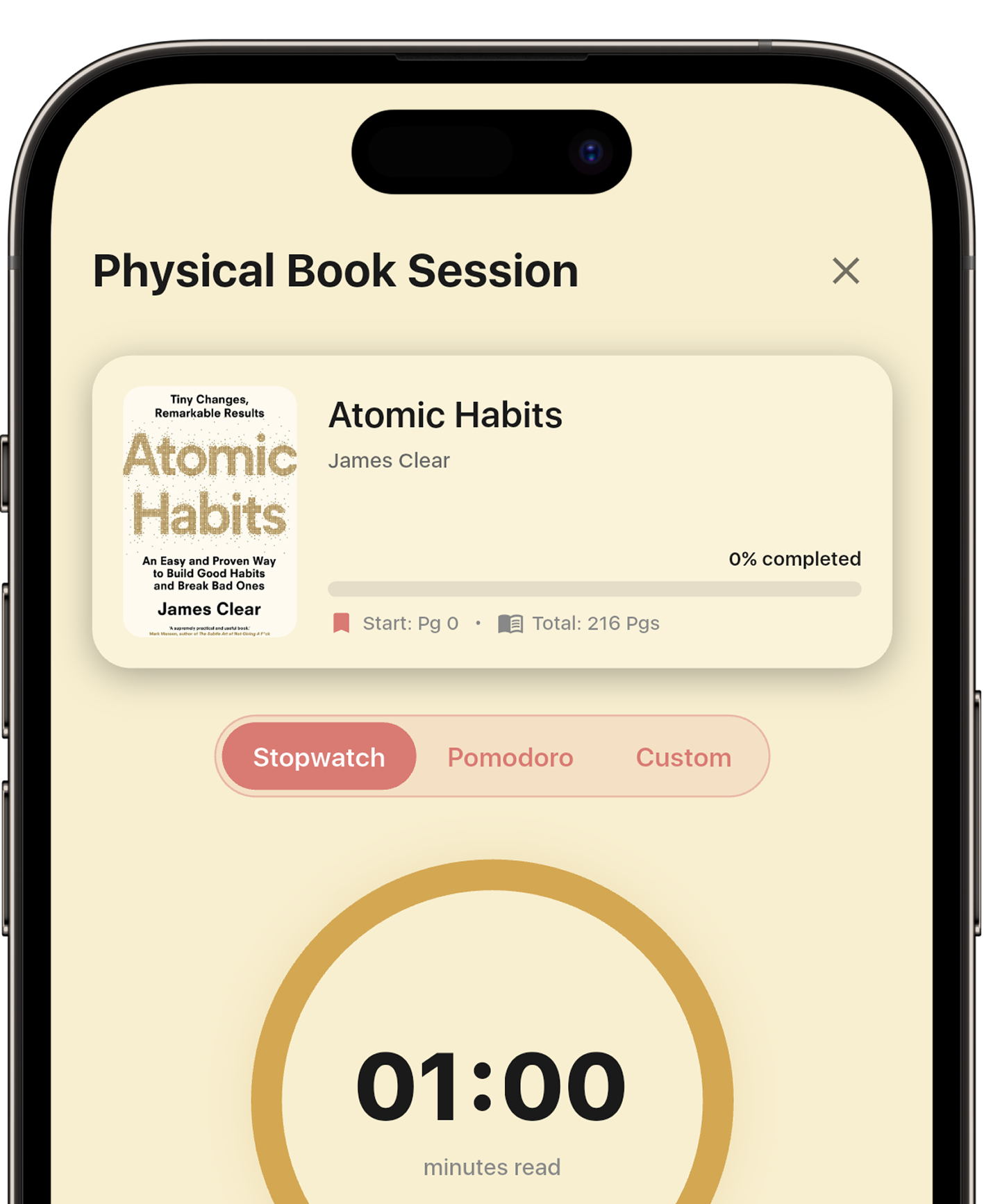
Four buttons, that's the whole interface.
01
Focus Mode
A deep-black screen with nothing on it. Biblio counts the minutes in the background, so your streak stays alive while your phone stays boring.
02
Scan Quote
Point the camera at a printed passage and it becomes typed, searchable text, filed in your journal or ready to share as a card.
03
Ask AI
A diagram you can't parse, a term you don't know. Ask about it without putting the book down.
04
Voice Note
Say the thought out loud while it's fresh. It lands in the journal with everything else from that session.
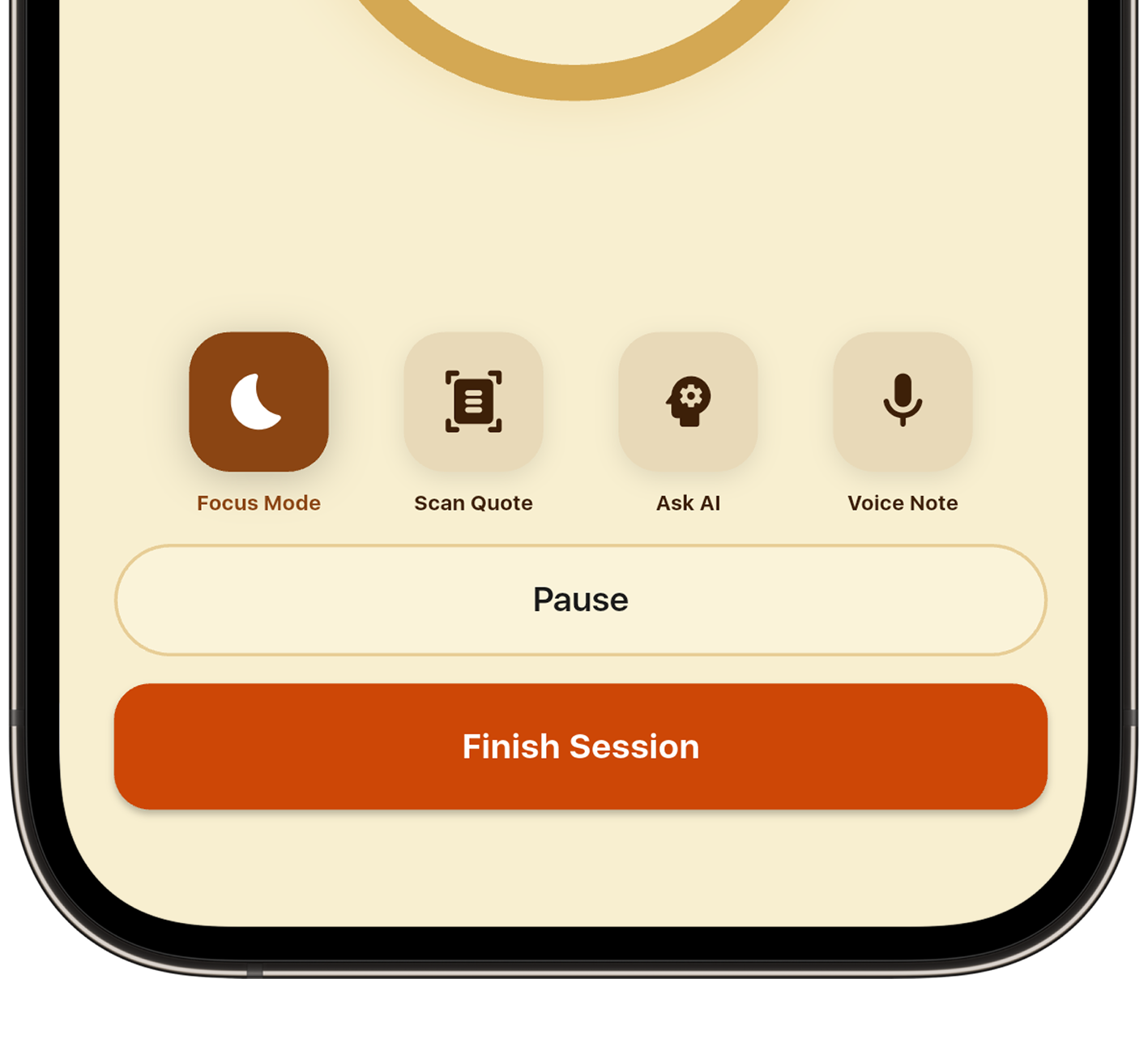
Your shelf, now fully digital.
Every quote you scan, every answer you ask for and every note you speak during a paper session lands in the same journal as your ebooks. A temporary read becomes a permanent record.
See the Book Journal →Biblio
All this and much more
Note: The market analysis and competitive research presented on this site were conducted for educational and portfolio purposes to demonstrate product strategy and user experience design principles. All brand names and trademarks are the property of their respective owners.