Quote cards
Some lines deserve better than a screenshot.
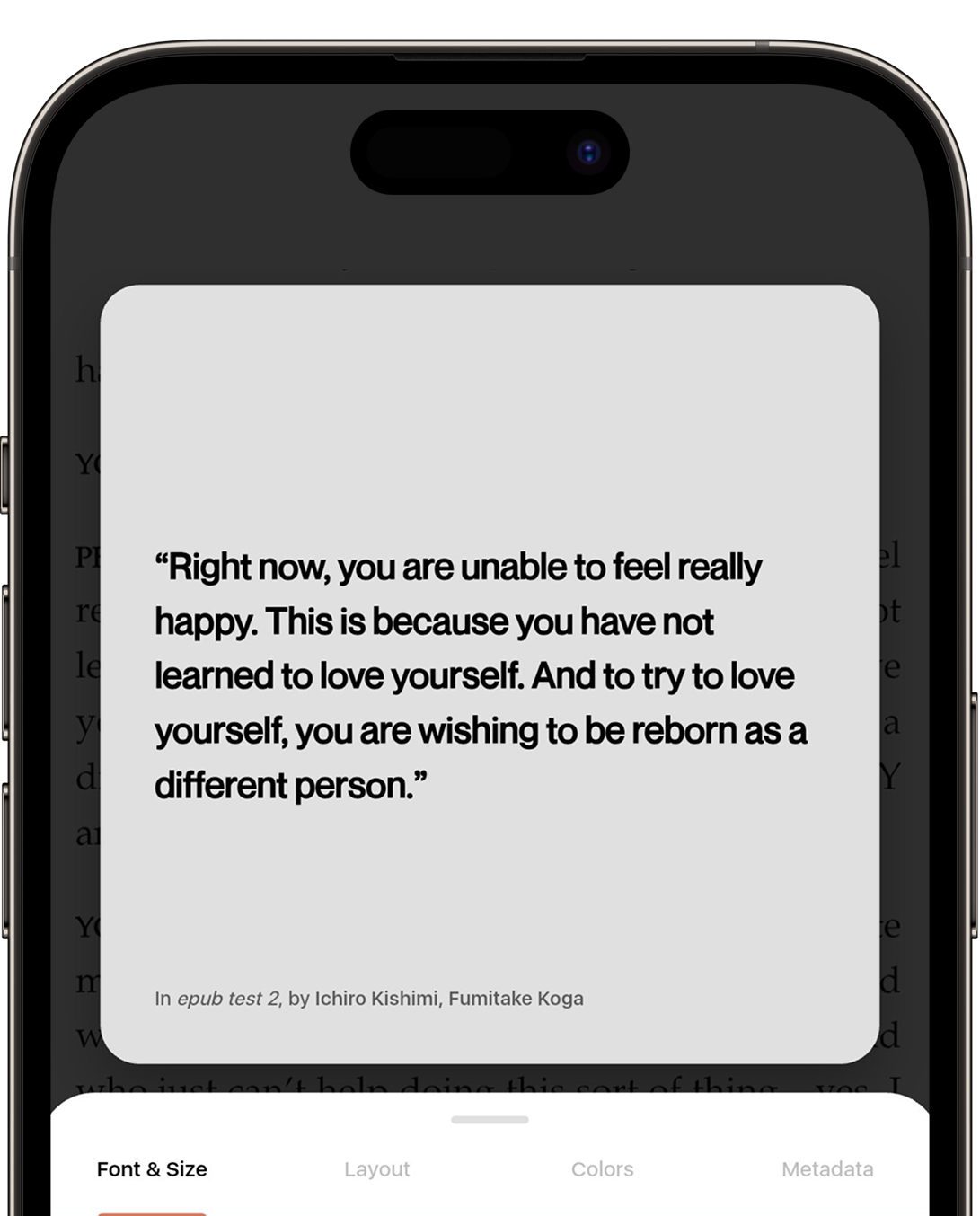
Highlight a line, and Biblio turns it into something you would actually want to post.

Reading is personal. Sharing it shouldn't be work.
The line that stopped you mid-page says something about you. Don't just save a quote, create an artifact. Biblio turns your highlights into cards designed to carry the feeling of the book, so what you share looks like you meant it.
Frame it, colour it, send it.
01
Frame it
Turn any passage into a visual masterpiece. Biblio gives you the tools to frame your favourite quotes with professional precision.
02
Colour it
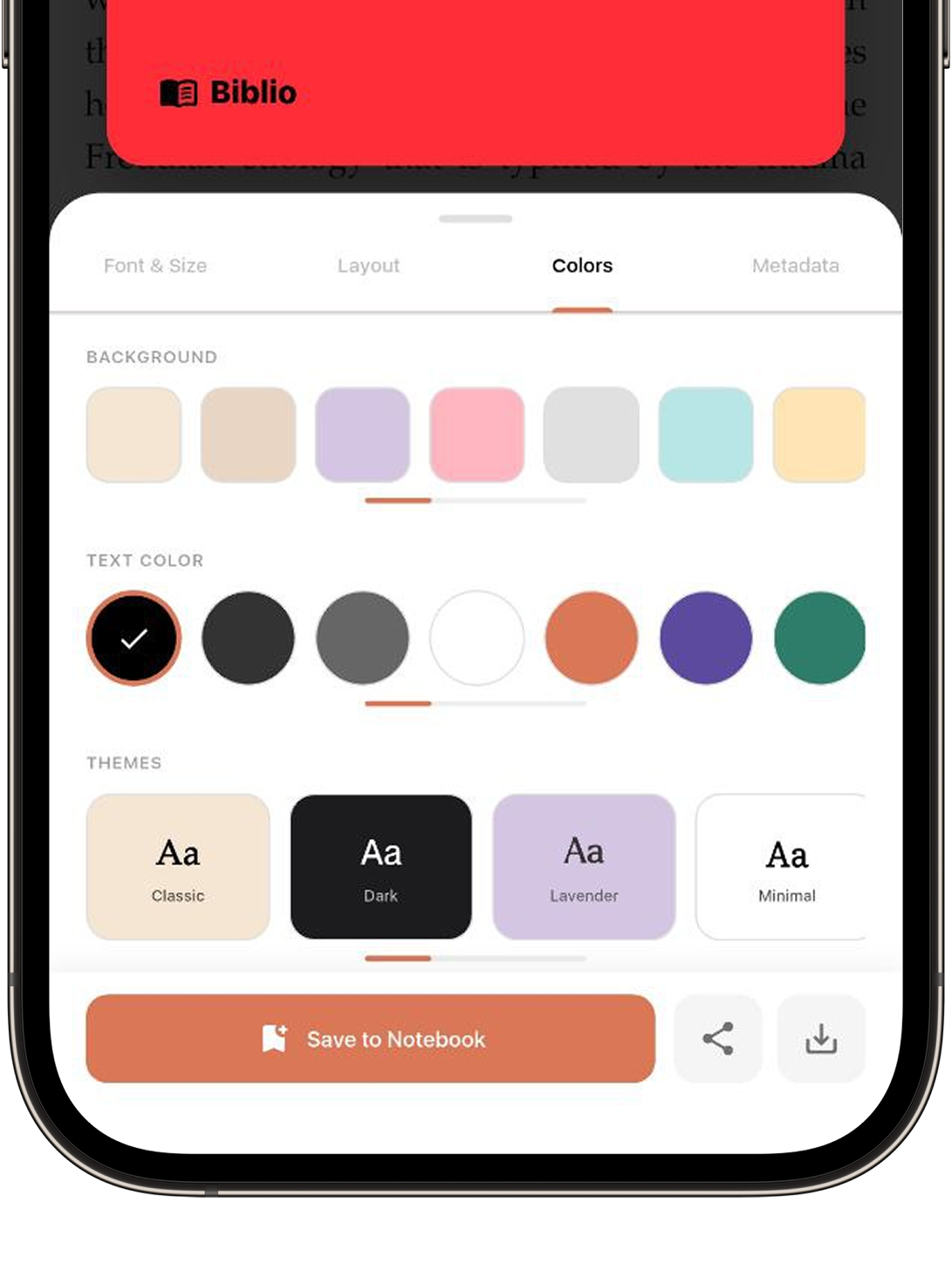
Match the mood of the text. Apply vibrant colour palettes or immersive themes to give your notes a distinct soul.
03
Send it
From your library to the world. One tap to export your high-resolution design straight to social media or your private cloud.
One tap, and it goes wherever you go.
High-resolution, no watermark on your words, and the book credited underneath.
Biblio
All this and much more
Note: The market analysis and competitive research presented on this site were conducted for educational and portfolio purposes to demonstrate product strategy and user experience design principles. All brand names and trademarks are the property of their respective owners.